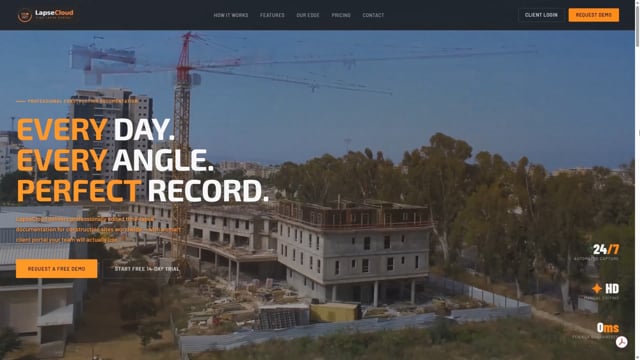
See It In Action
See LapseCloud in Under 3 Minutes
From camera install to client portal — exactly how raw footage becomes the documentation your team and clients can rely on.
Use your own cameras. LapseCloud syncs every photo, delivers professionally edited timelapse videos, and gives your team a private portal to share progress with clients and investors — from anywhere.
From camera install to client portal — exactly how raw footage becomes the documentation your team and clients can rely on.
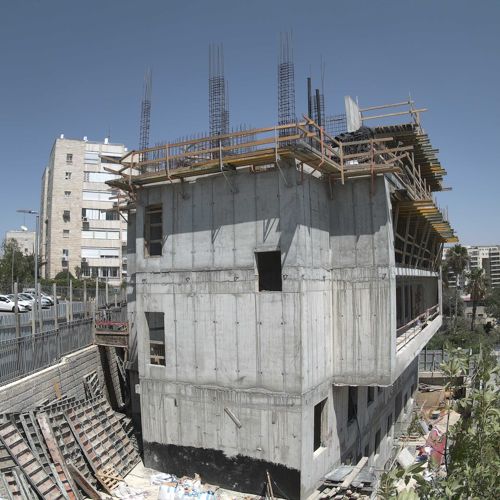
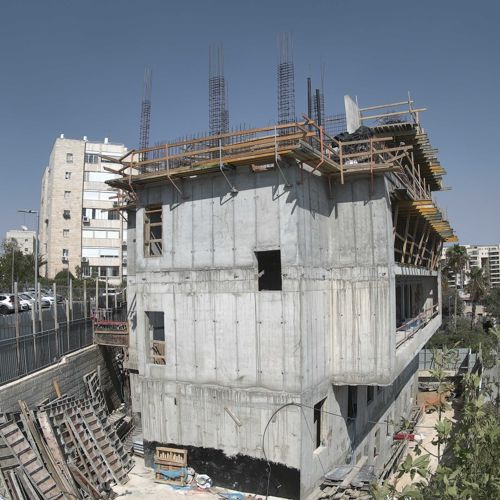
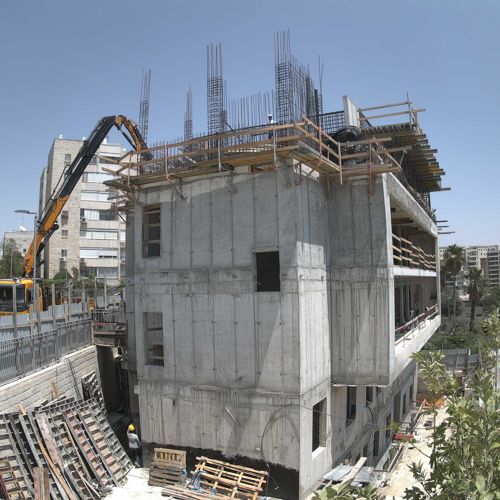
A real construction project — captured daily, edited professionally. This is the quality your clients will receive.
From camera setup to a polished client portal — we handle the entire pipeline so your team can focus on building, not documenting.
Use your existing site security cameras, or install any IP camera that supports scheduled FTP uploads — including our recommended Reolink 12MP models. Minimum 4MP resolution recommended. We provide full setup guidance.
Every night, your images are automatically synced, stored securely, and organised by camera and date in your private portal.
Your team generates instant progress videos from the portal anytime. Once a month, our editors deliver a cinematic time-lapse — colour graded, flicker-free, and boardroom-ready.
Access daily photos, create time-lapses on demand, compare project stages, and share progress with stakeholders — all in one place.
Browse every day of your project by camera and date. Full-resolution images, organised and searchable from day one to completion.
CoreGenerate a time-lapse video for any date range in minutes — directly from your portal, no technical knowledge required.
CoreCompare any two dates side by side with our interactive slider. Show clients exactly how far the project has progressed.
CoreUpload architectural renders and compare them directly against real site photos. Track how closely the build matches the design.
PremiumUp to 6 cameras per project as standard. Filter, compare, and organise every angle from one dashboard. Enterprise deployments available on request.
CoreGive clients, project managers, company managers, and investors exactly the access they need — nothing more, nothing less.
SecuritySelect multiple images and download them as a ZIP file instantly. Perfect for reports, presentations, and offline archives.
CoreRow-level database security, Supabase Auth, HTTPS encryption, and private storage ensure your project data stays confidential.
SecurityAdd notes to individual images and time-lapses. Keep your team aligned and create a timestamped record of decisions and observations.
CollaborationIf a camera stops uploading — due to a power cut, network failure, or hardware fault — LapseCloud detects the gap within the hour and emails your project manager automatically. You know before your client does.
Every stakeholder gets their own login — with exactly the access they need, nothing more.
Every competitor gives you automated footage. We give you manually crafted documentation — because your project deserves more than an unedited feed.
Your team creates instant progress videos from the portal anytime. Once a month, our editors produce a professionally crafted cinematic time-lapse — colour graded, smooth, and ready for investor presentations or marketing.
Auto-generated time-lapses flicker as light conditions change. We manually smooth every transition — the result looks cinematic, not amateurish.
Rain spots, glare, and lens condensation are removed frame by frame. Your archive stays clean regardless of weather conditions.
Seasonal light shifts and harsh sun are corrected to maintain consistent, professional-quality imagery across the entire project duration.
You work with real people who know your project. No bots, no ticket queues — direct support from camera setup to final video delivery.
If a camera stops uploading — whether from a power cut, network failure, or hardware fault — we detect it within the hour and email your project manager automatically. No silent gaps in your archive.
A clean, intuitive portal that clients actually enjoy using. Browse photos by date, generate time-lapses, compare stages, and share updates — from any device, anywhere.
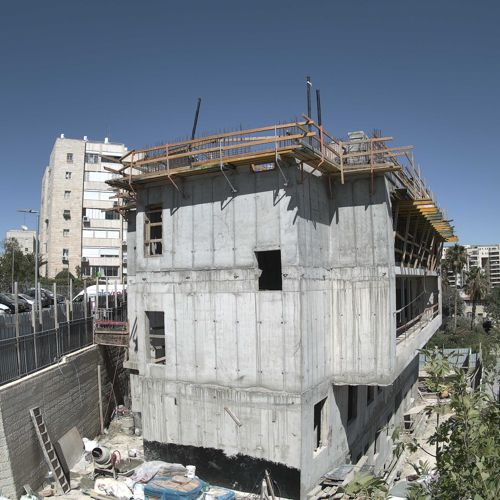
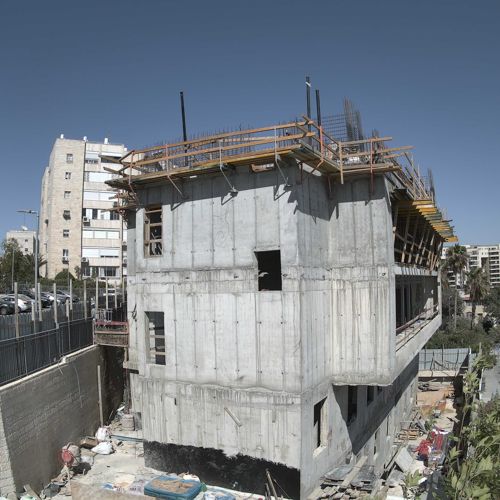
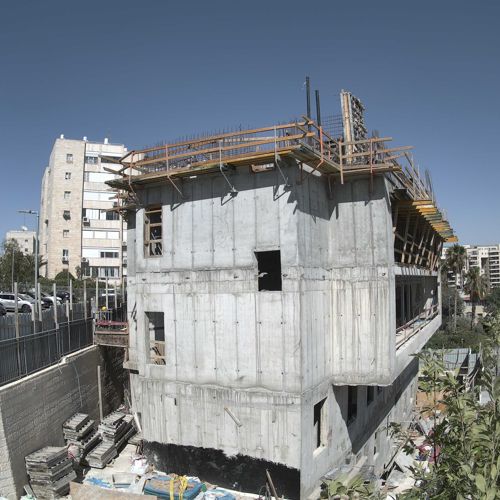
This is already the second project I've worked on with this team, and I can't recommend them highly enough — professional, reliable, and genuinely a pleasure to work with. They give real professional input, advise on the best camera placement for the clearest results, and will install at height when a site needs it. On every project, the on-site staff have come back to me with nothing but positive feedback and real appreciation for how professionally it's handled.
Highly recommended. They delivered professional, high-quality documentation for us, including a summary video covering two full years of a student housing project's construction. They came to site whenever needed to adjust angles and clean lenses, and kept a 24/7 watch on the system to make sure the documentation never had a gap.
Professional and genuinely great to work with. Highly recommended.
They understand the business, they're professional, and the service feels like working with family.
Tell us about your project and we'll get back to you within one business day — no sales pressure.
Ready to get started? Start your 14-day free trial →
Join construction teams worldwide who trust LapseCloud to document, edit, and deliver their project story.
Start Free Trial →